
We have all done the thing where we open an AI coding tool, type a rough idea, and ask it to build something. Sometimes the first result looks surprisingly good. The UI might render and a few buttons might work.
Then you start clicking around.
A form does not validate properly. A setting is saved in one view but ignored in another. A user action you assumed would exist is missing. The app handles the happy path but falls over the moment the data is odd, the user behaves differently, or the requirement turns out to mean something more specific than the model guessed.
That is not really an AI failure. It is a requirements failure.
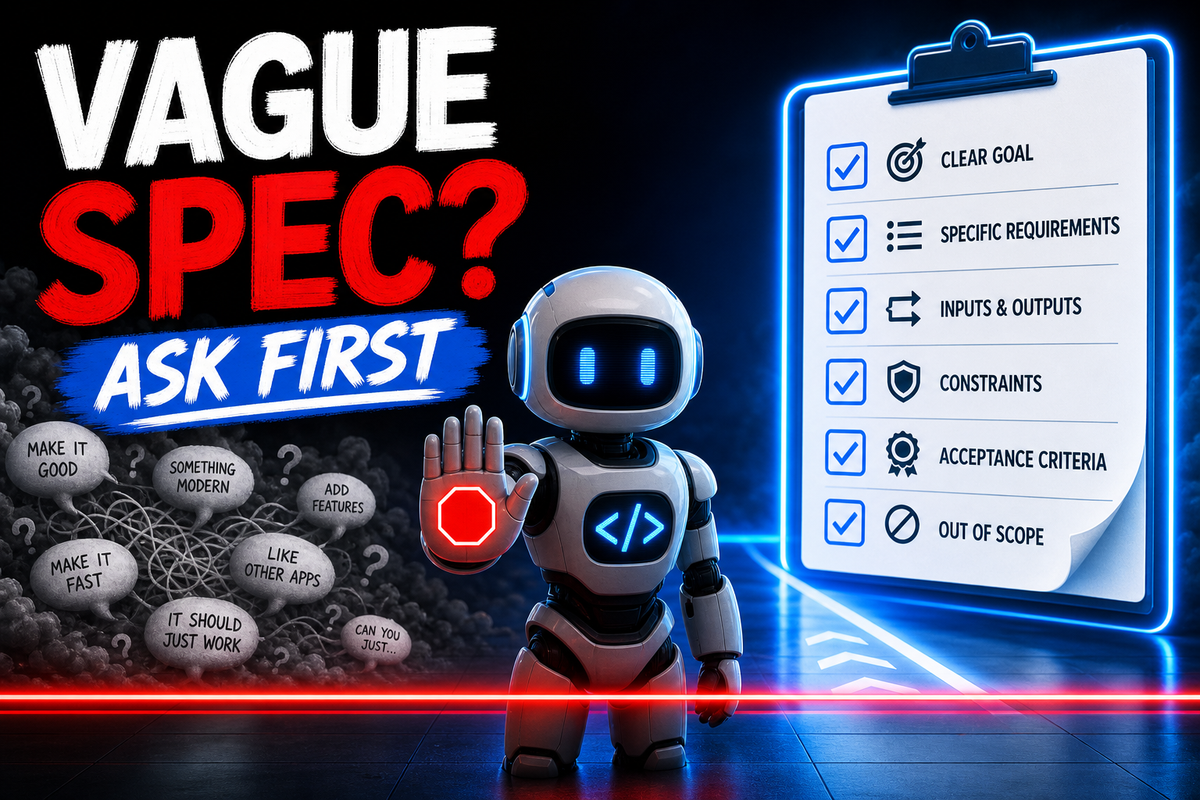
To avoid this, my Production AI system includes a skill I call Clarify Before Build. Its job is simple: it refuses to build from something vague. Before the coding agent starts implementing, it interrogates the request until there is enough shared understanding to build the right thing.
Ambiguity Is Where Bad Builds Begin
Large language models are powerful precisely because they can operate in ambiguous situations. They can infer intent, fill gaps, and make a plausible next step. This is incredibly useful when I want help exploring an idea, but it is dangerous when I need production software.
Take for instance the phrase "a robust user interface." What does that really mean? Does it mean it works on mobile? Does it mean every user action has an end-to-end test? Does it mean the form handles invalid input? Does it mean long names, odd characters, empty states, and permission failures are all covered? Does it mean accessibility? Does it mean secure handling of user-controlled content?
Literally every person reading this article will know in their heads what this means, and literally every single person will have slight nuances on their definition. LLMs are exactly the same.
Clarify Before Build forces these assumptions into the open. It ruthlessly questions words like simple, robust, production ready, polished, secure, fast, scalable, and reliable and turns them into explicitly defined requirements.
The Output Is A Shared Contract
As the process continues, Clarify Before Build starts creating a shared contract.
The contract captures the goal, non-goals, constraints, assumptions, user flows, acceptance criteria, and decisions that were made during the conversation, and how each of them has been turned into requirements. You, and your LLMs, can refer to this document whenever you need to, including when you switch threads in your local development AI.
The Questions Get Better Over Time
Another reason I like this approach is because, when paired with my self-learning skill, your LLM will get better at asking questions over time. It creates a system bank that continuously updates with common answers to your questions.
For instance, if I regularly build user interfaces, the skill builds up a question bank about roles, permissions, empty states, loading states, validation, responsive behavior, long text, and browser coverage. If I regularly build integrations, it learns to ask about rate limits, authentication, retries, provider outages, data mapping, and idempotency.
That makes the skill more valuable the longer it is used. It does not just clarify this request. It improves the way future requests are clarified.
Incidentally, this is one of the central ideas behind Production AI. The system learns over time.
It Connects To The Rest Of The Workflow
Importantly, Clarify Before Build is not the whole workflow. It is just the front door.
For instance, Feature Design Pre-flight takes the output from Clarify Before Build, and turns it into concrete engineering requirements. Then, Repo Testing Setup makes sure the test environment proves the work. Threat modeling looks at the abuse paths and risk, and User action coverage maps the flows that need browser tests. All of these skills work together, and they rely on the clarity created at the beginning.
Some Practical Observations
For meaningful features, the clarification phase can take thirty to forty-five minutes. This sounds like a lot, and in practice, it really is. Honestly, sometimes it feels like you're stuck way down in the weeds. However, the first time you realize how this process saved your 10 hours of tedious rework, you'll be very glad you used it. It is so much cheaper than shipping a feature that appears to work but fails in production because nobody defined the edge cases.
Watch The Episode
Watch on YouTube: Watch the episode on YouTube